Features
Everything you need between “I found a job” and “I applied”
Six parts, in the order you'll meet them. Each one builds on the resume you already have.
1 · Build
Get one accurate, structured resume that everything else works from.
Upload your resume
Turn the PDF or Word file you already have into structured, verified data.
Build one from scratch
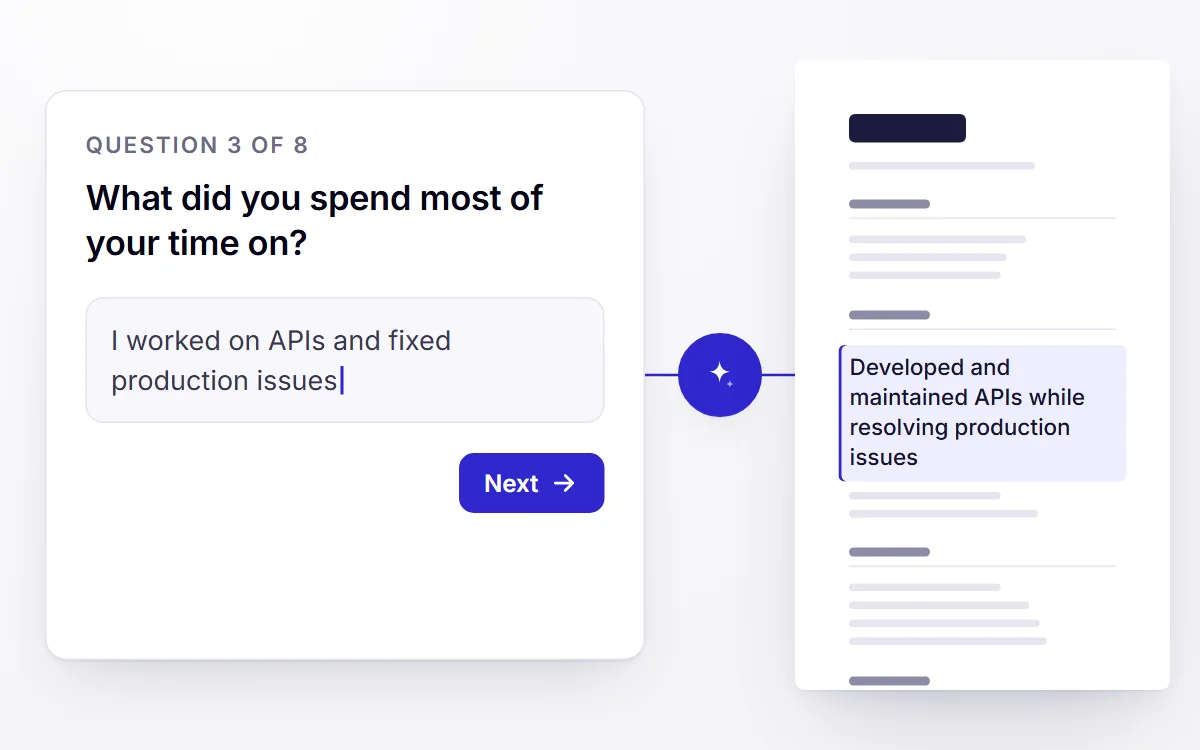
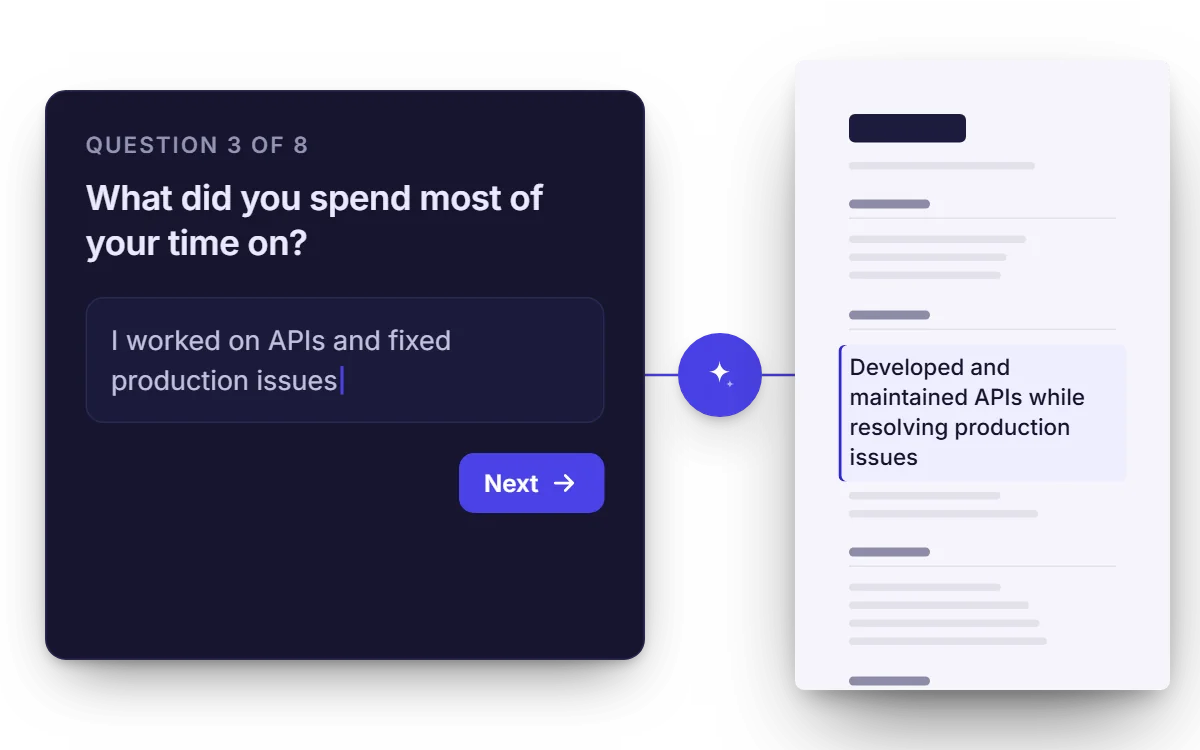
Answer a short set of questions and get a first draft — for when there is no file to upload yet.
Edit and complete your profile
Fill the gaps in your work history, skills and education. Everything downstream is only as good as this.
- Presets on Free
Change how it looks
Pick a layout preset — or, on Pro, control section order, accent colour, font and spacing yourself.
2 · Optimize
Find out how your resume actually reads to screening software.
ATS compatibility score
See how your resume scores against applicant-tracking conventions, and which parts drag it down.
Analyze a job description
Paste a posting or a link and get the requirements pulled apart into what is required and what is merely preferred.
3 · Tailor
Rewrite your resume for one specific role, grounded in your real history.
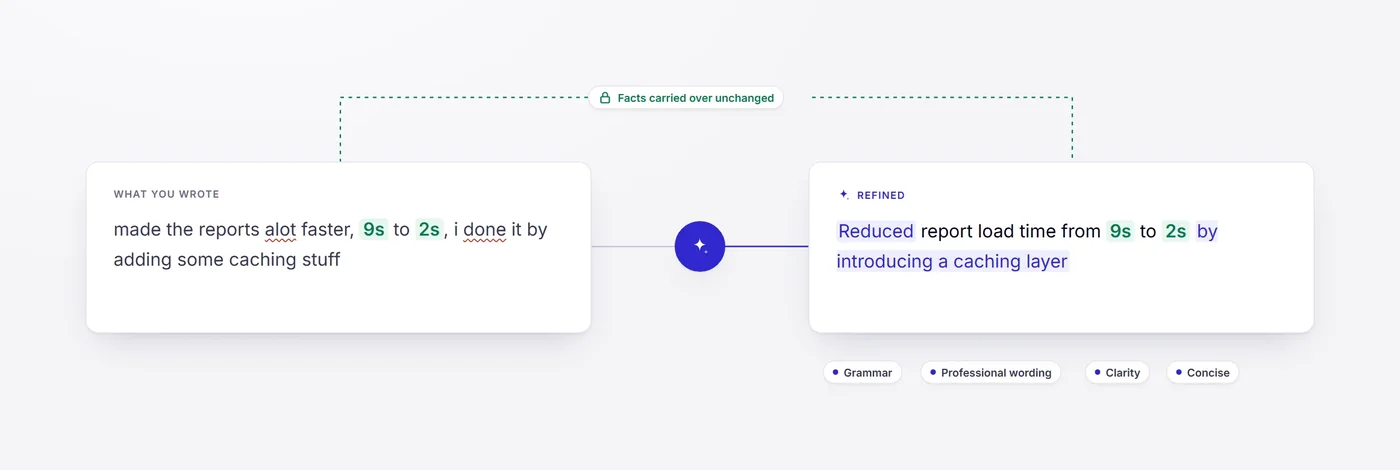
Tailor your resume to one role
A rewritten resume aimed at a specific posting — and never a claim your real history doesn't support.
- Paid plans
Compare versions
Keep every tailored version and see exactly what changed between them before you send one.
- PDF on Free
Download as PDF or Word
PDF on every plan. Word (.docx) on Pro, for the employers and agencies that still insist on it.
4 · Apply
Produce and send the rest of the application without leaving the page.
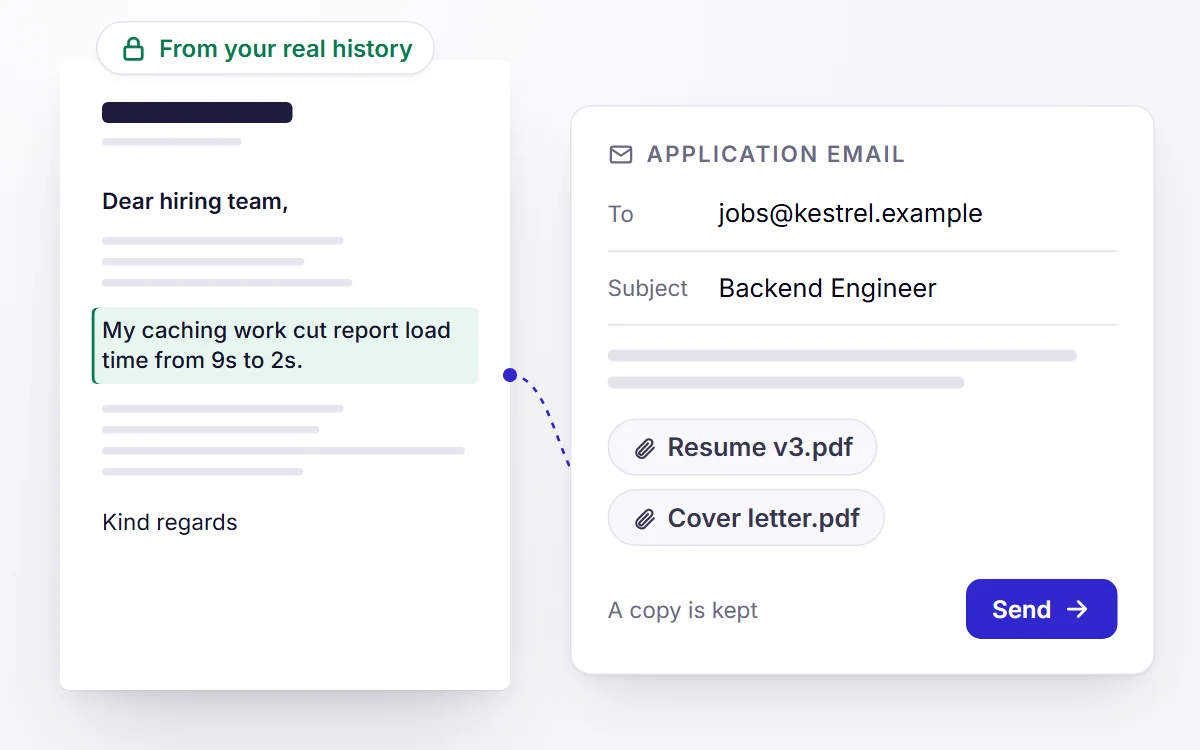
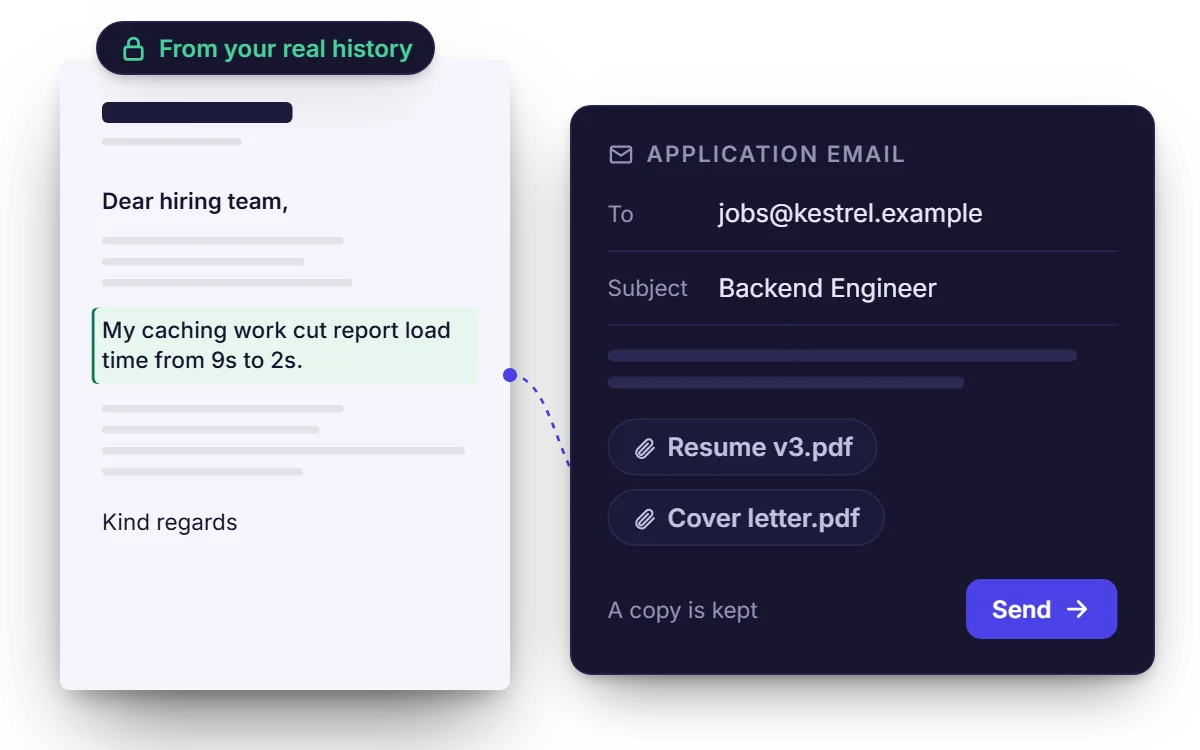
Write the cover letter
A letter for this role, drawn from the same verified history as the resume — not a generic template.
Works within a job you've added.
Send the application
Draft the email, attach the right resume, and send it — with a copy kept so nothing is lost.
5 · Improve
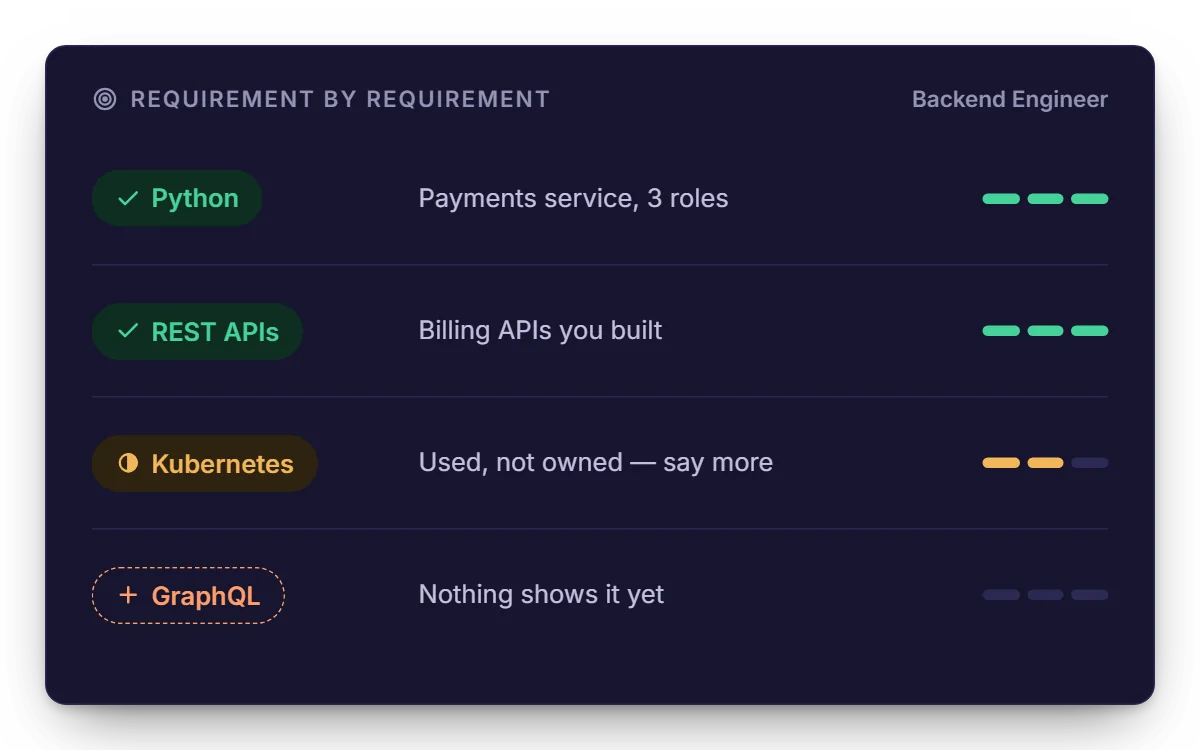
See what a role wants that you haven't shown yet — and what to do about it.
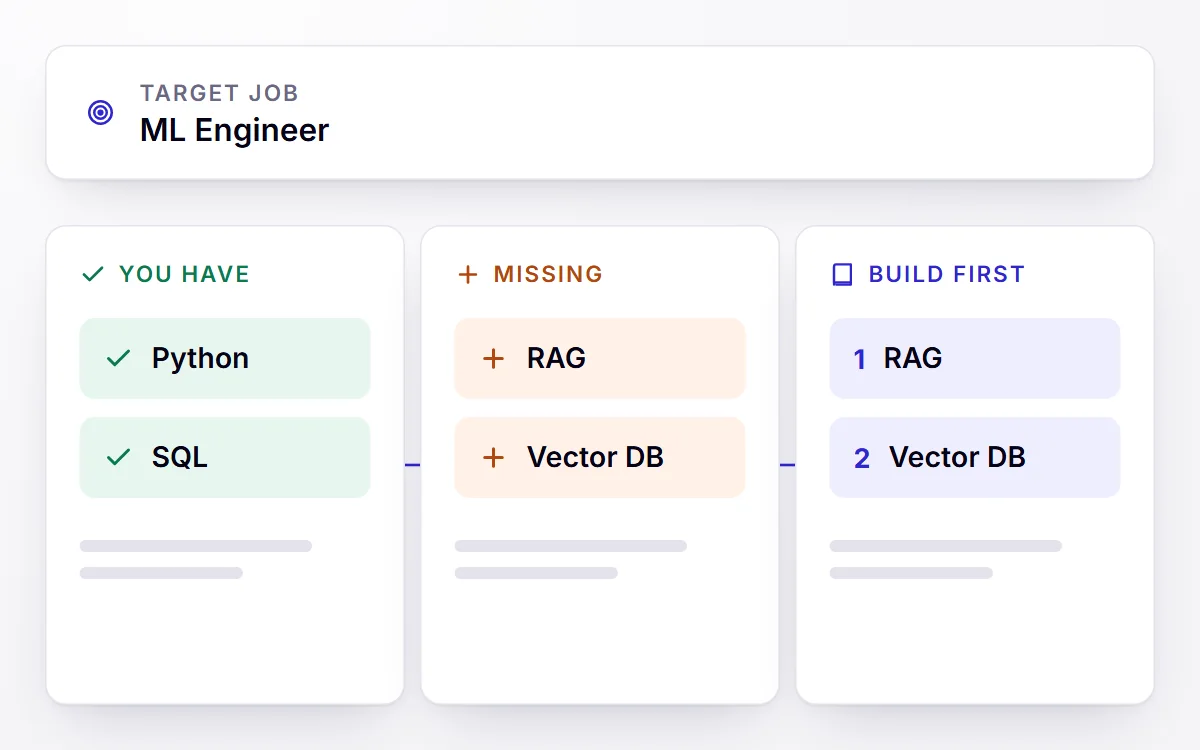
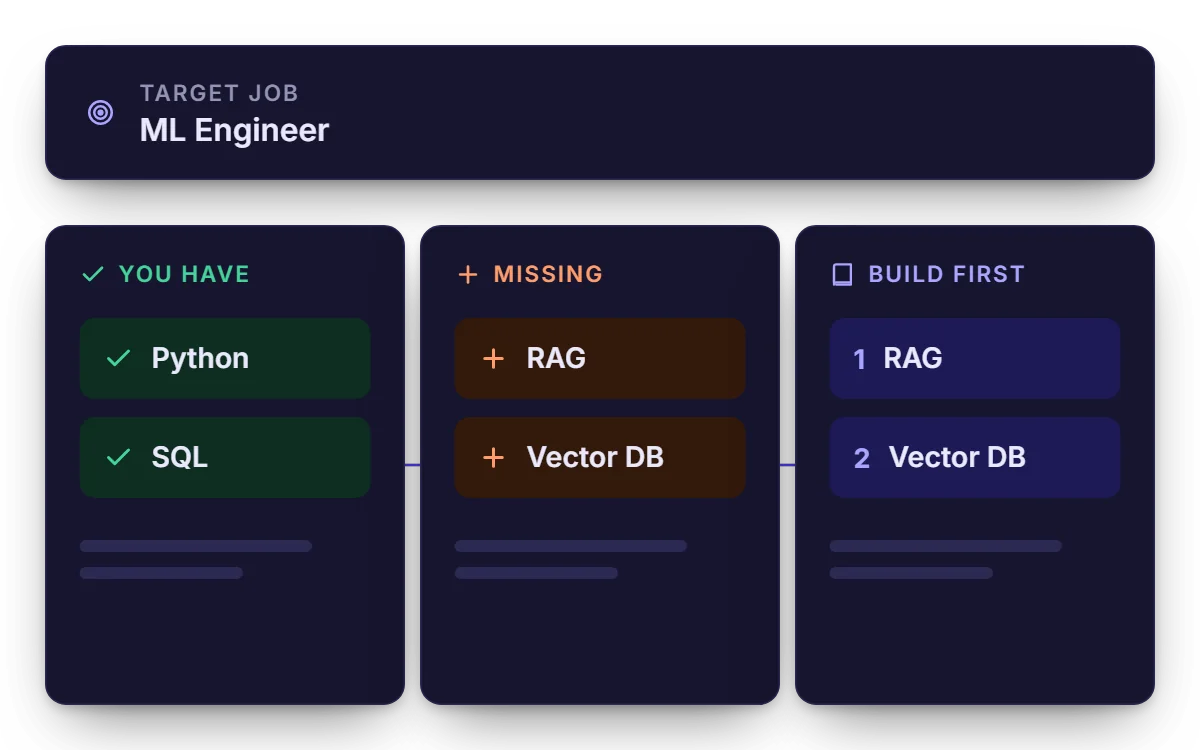
See what you're missing
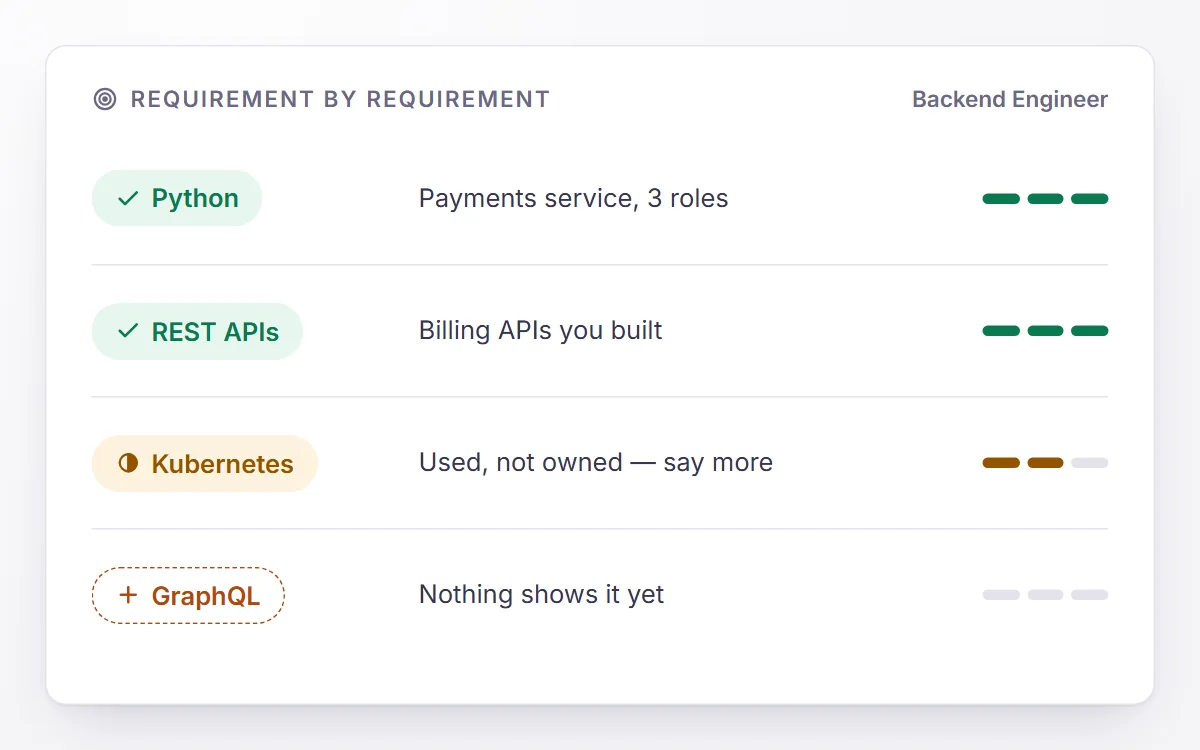
Requirements this role wants that your resume doesn't yet evidence, split into what you can simply add and what you'd need to learn.
Works within a job you've added.
6 · Track
Keep every role, version and reply in one place.
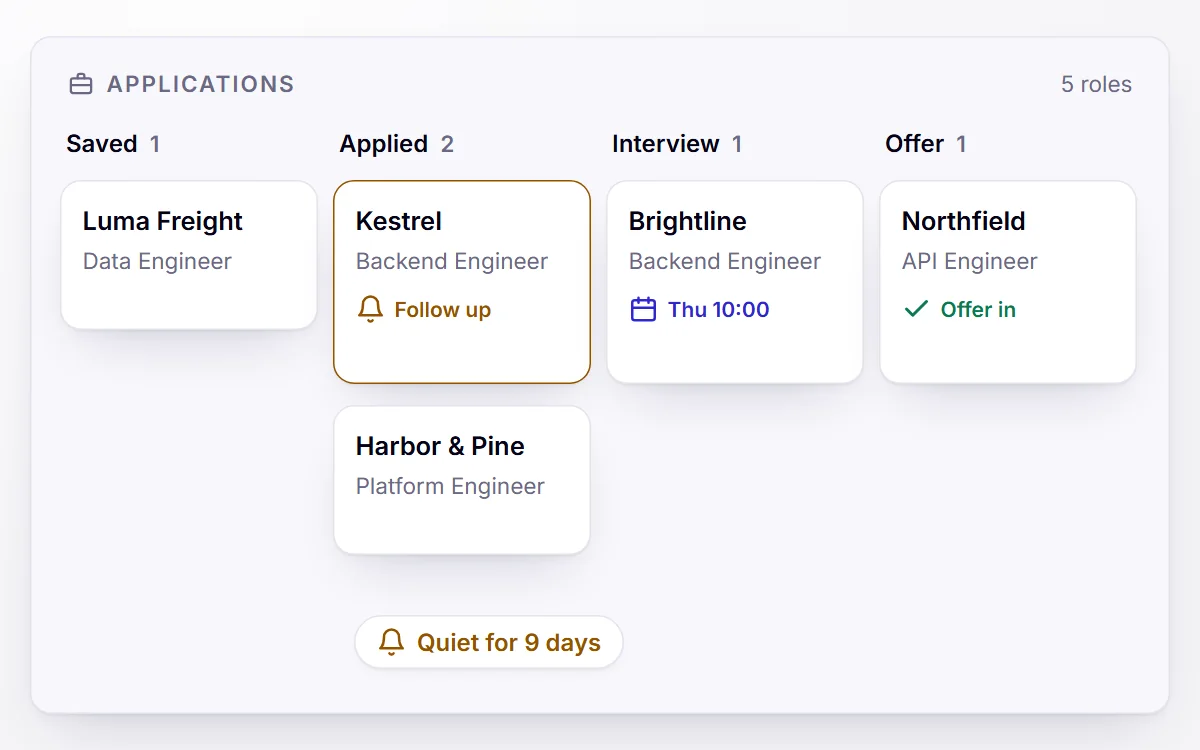
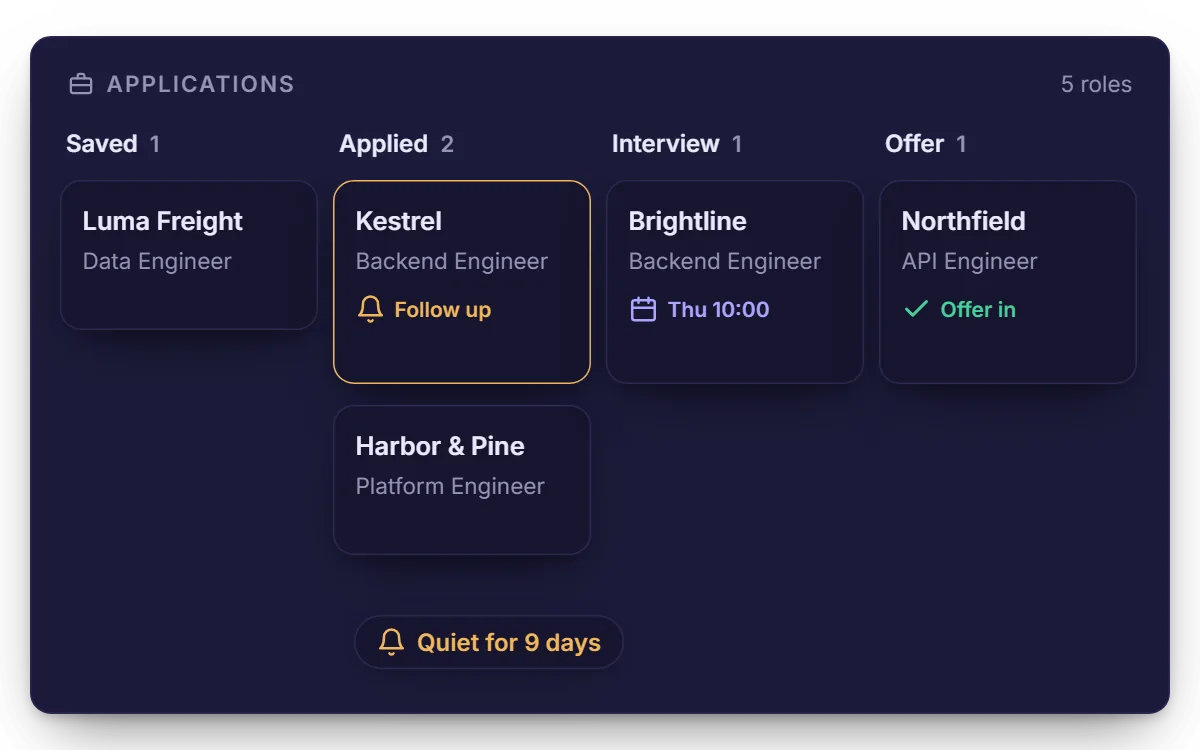
Track every application
One board from saved to offer, with notes, dates and follow-up reminders on the roles that have gone quiet.
Start with the resume you have
The Free plan is permanent and needs no card.