How it works
From your resume to an application you can stand behind
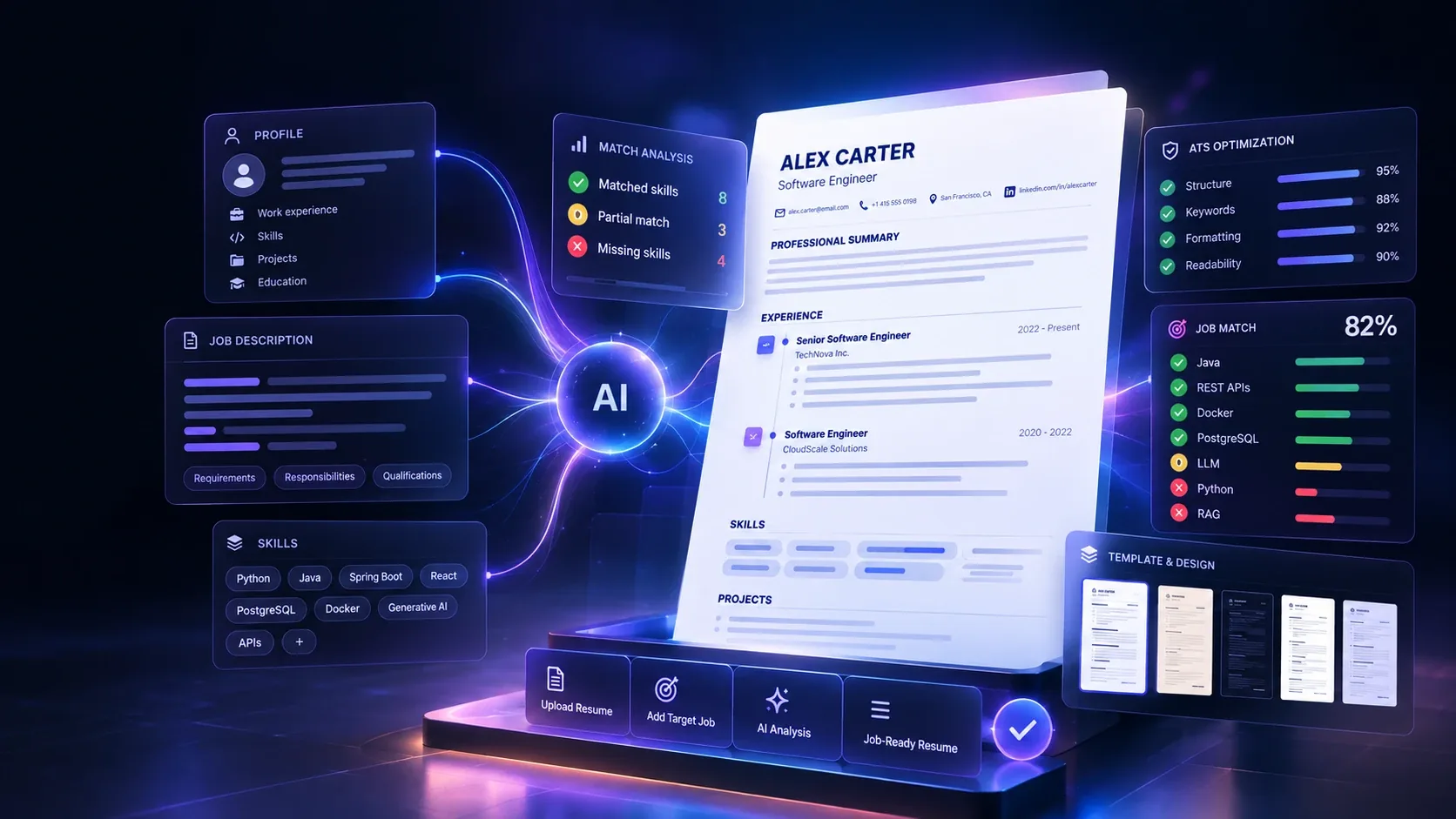
Every step shows you what happened and what comes next. Nothing is sent anywhere without you, and nothing is added to your resume that you haven't done.
Step 1
Upload your resume
A PDF or Word (.docx) file up to 5 MB. Prefer to start from scratch? The guided builder asks a few questions instead.
Step 2
We understand your experience
Your resume is read into a structured profile — roles, dates, skills, education — that you can check and correct.
Step 3
Add the target job
Paste the job description or a link to the posting. One resume can be compared with as many jobs as you like.
Step 4
Analyze the match
See how your experience, skills, keywords and education line up with what the role asks for.
Step 5
Find what's missing
Requirements you don't yet show are listed plainly, separated from the ones your resume already covers.
Step 6
Improve the resume
Get specific rewrites for weak lines — each one grounded in something you actually did, never an invented claim.
Step 7
Generate a targeted version
Create a version tailored to this job while your master resume stays unchanged. Every version is kept.
Step 8
Export and apply
Download a clean, text-based PDF that applicant tracking systems read in the right order, and track where you sent it.
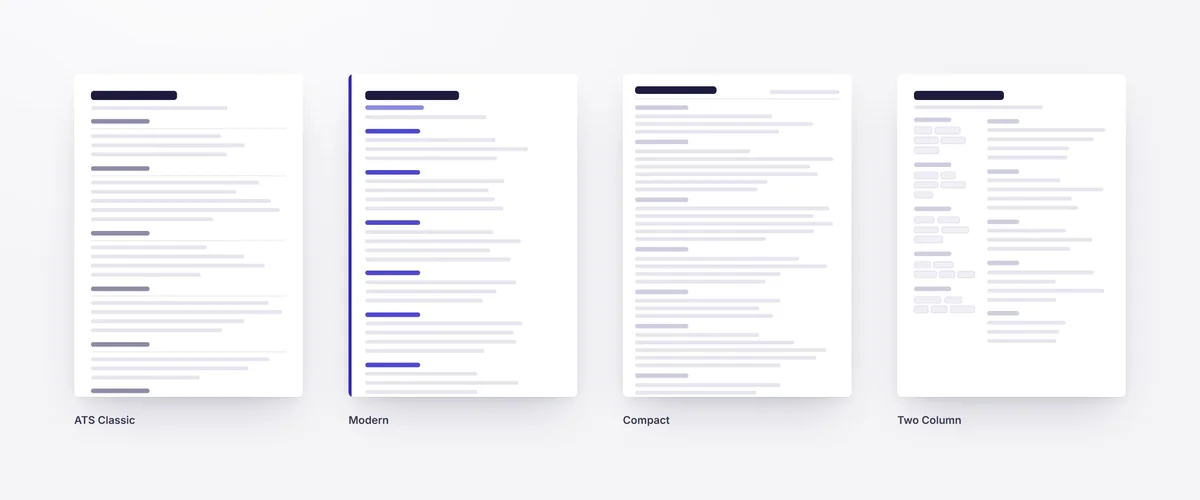
The four templates, shown with example content.
Ready to see your match?
It takes a resume and one job posting.
Free plan, no card required