What an ATS Actually Does (and What It Doesn't)
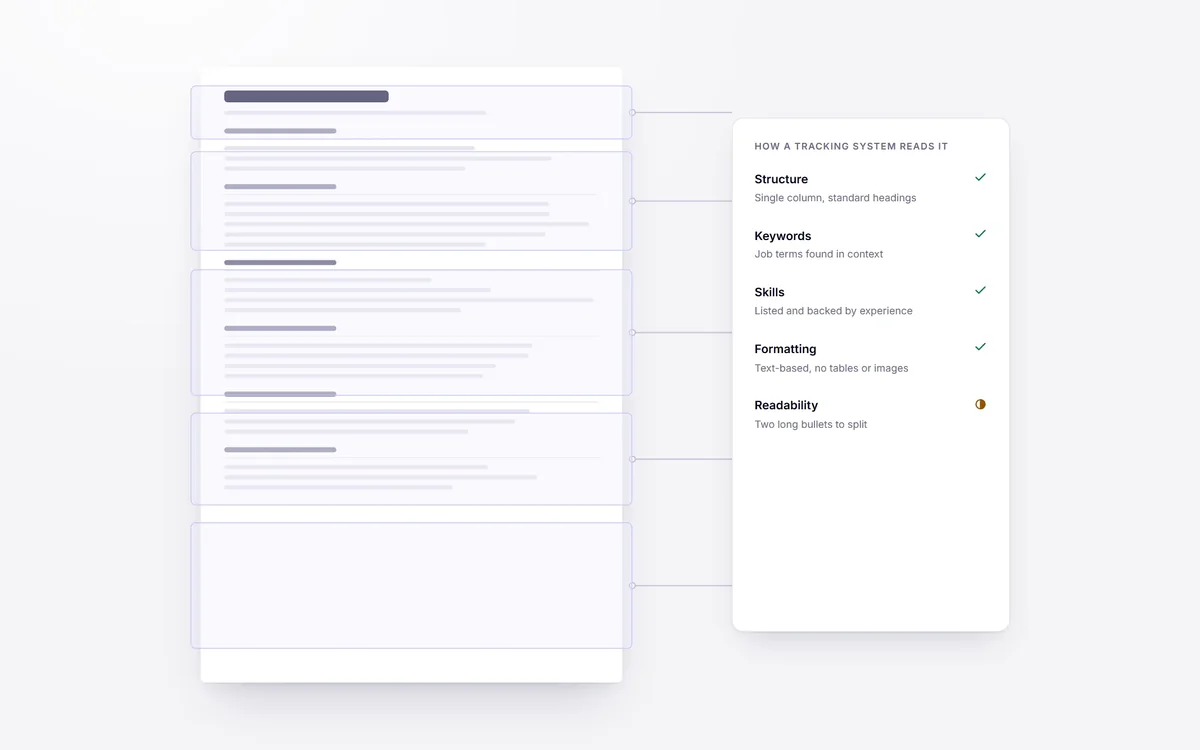
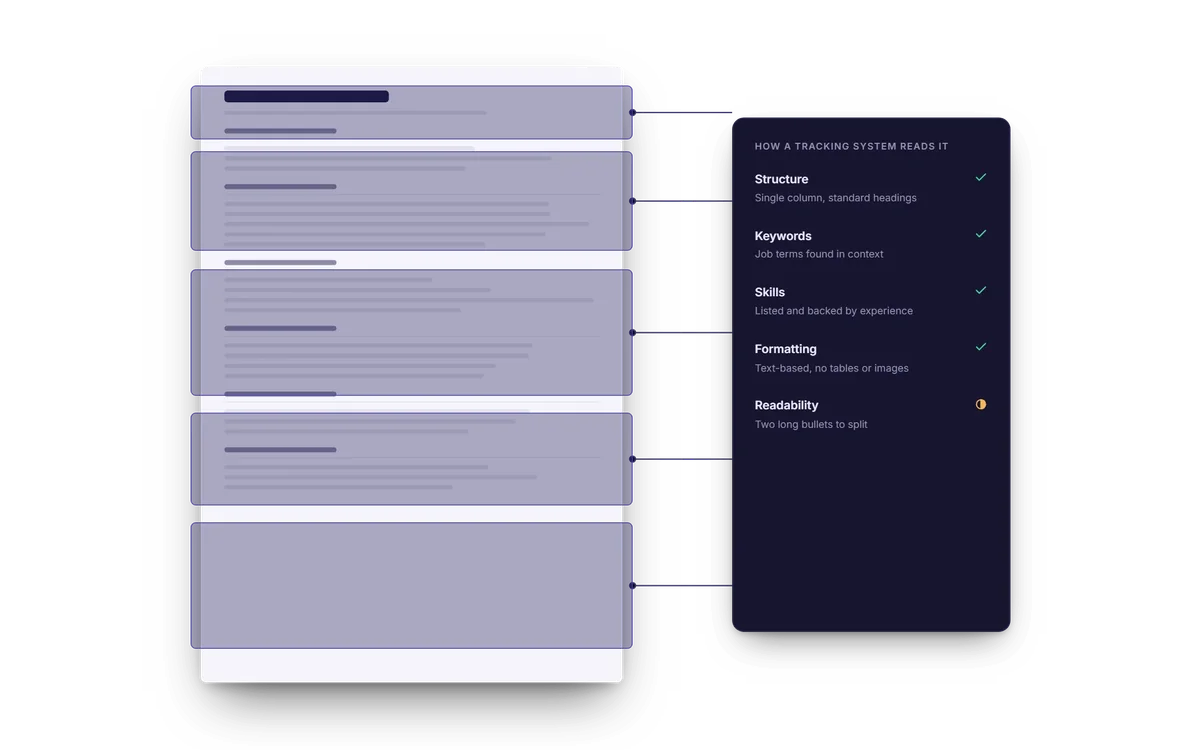
Most advice about applicant tracking systems is either outdated or invented. This is what these systems actually do.
An ATS is a database, not a judge
An applicant tracking system is fundamentally a place to store and organise applications. Its main job is to take your submission, extract structured fields from it (name, contact details, work history, education, skills), and make that searchable for a recruiter.
The critical thing to understand: in most companies, no software auto-rejects you. A recruiter searches and filters, and a human decides. The "75% of resumes are rejected by robots" figure that circulates online has no credible source behind it.
What actually goes wrong
Where candidates genuinely lose out is parsing failure. If the system can't read your resume properly, your experience never makes it into the searchable database, so you never appear in the recruiter's results. You aren't rejected — you're invisible.
Parsing tends to break on:
- Text placed inside images, logos, or headers and footers
- Multi-column layouts, where reading order gets scrambled
- Tables used for layout, which can interleave unrelated content
- Unusual section headings the parser doesn't recognise ("My Journey" instead of "Experience")
- Fonts embedded in ways that produce garbled character extraction
Advice you can safely ignore
"Use white text to hide keywords." This is keyword stuffing. It is visible in the extracted text, recruiters do notice, and it gets applications discarded. Don't.
"Never use a PDF." Modern parsers handle text-based PDFs well. A PDF exported from a word processor is fine. A PDF that is a scan of a printed page is not — that's an image with no extractable text.
"You need exactly one page." Length norms depend on seniority and field. Relevance matters more than page count.
What actually helps
- Use conventional section headings: Experience, Education, Skills, Projects.
- Keep a single-column layout for the body of the resume.
- Put contact details in the document body, not in the page header.
- Mirror the language of the job description where it is genuinely true of you. If the posting says "CI/CD" and you have that experience, write "CI/CD" rather than only a tool name.
- Quantify outcomes. "Reduced page load time by 40%" is both more persuasive to a human and richer in searchable terms than "Responsible for performance."
Checking your own resume the way a parser would
You cannot see inside a recruiting system, but you can run a simple test that tells you most of what matters. Save your resume as a PDF, then open it and select all the text with your cursor. Copy it into a plain text editor and read what comes out.
If the text appears in a sensible order, with your name, contact details, job titles, and dates in the right places, a parser will probably read it well. If the order is scrambled, columns are interleaved, words are broken into pieces, or whole sections are missing, a parser will have the same trouble, and you have found the fix: simplify the layout.
A few other quick checks help:
- Try a different file. If an application accepts both a PDF and a word-processor document, either is usually fine, as long as the text is real text and not an image of text. Never submit a scanned page.
- Read your headings. If a section is called something unusual, rename it to a standard heading. Recruiters searching a database also rely on predictable structure.
- Look at your dates. Use one consistent format, such as "Mar 2022 to Jun 2024," so the system can calculate your tenure.
- Spell out acronyms once. Writing "Search Engine Optimisation (SEO)" lets both forms be matched by whoever searches.
What recruiters actually search for
Because humans are doing the searching, the words they type are the words they expect to find: a job title, a skill, a tool, a location, a qualification. Take a moment to look at how the postings you are interested in describe the work, and make sure your resume uses the same terms where they truly apply to you.
This is not keyword stuffing. It is describing your real experience in the vocabulary of the field. If you managed a team of support agents and the postings call that role "customer support," do not call it "client happiness operations." The same principle applies to your skills section: list the tools and methods you can actually use, named the way employers name them.
What to take from all this
The practical conclusion is reassuring. You do not need to trick a system, and you cannot. What you need is a clean, readable document that a parser can extract accurately and a person can understand quickly, filled with specific, honest evidence for the job at hand. The same qualities that please a human reader, clarity, structure, relevance, and honesty, are the ones that make a resume work well in any database.
How IntelliResume fits in
Our ATS readiness score checks the things above that are objectively checkable: whether your contact details, summary, skills, experience, education, projects, certifications and achievements are present and parseable, and whether your experience entries lead with action verbs and include quantified results.
It is our own heuristic. It is not affiliated with any applicant tracking system vendor, and it cannot tell you how a specific employer's system will treat you. What it can tell you is whether your resume has the structural problems that make software misread it.